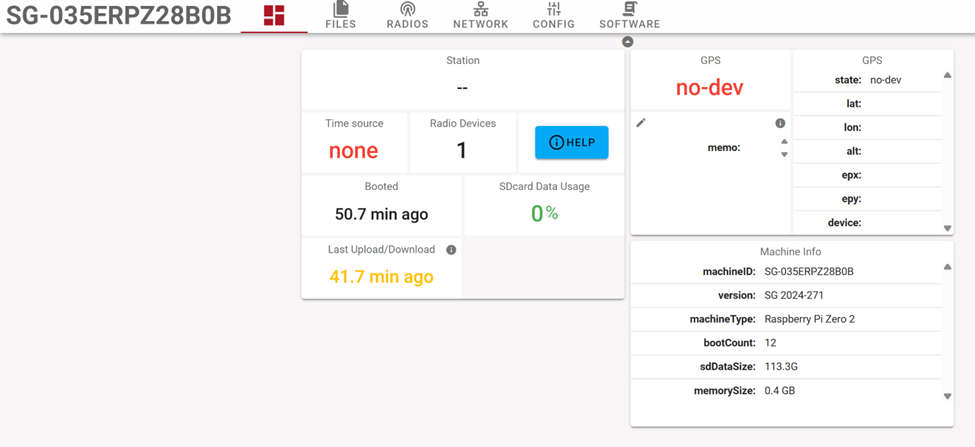
This is my first project with MOTUS ecosystem. I am trying to setup my receiver and my tags to conduct tag testing for my project. However, I have not been able to get any detections out of my receiver. Any help would be appreciated.
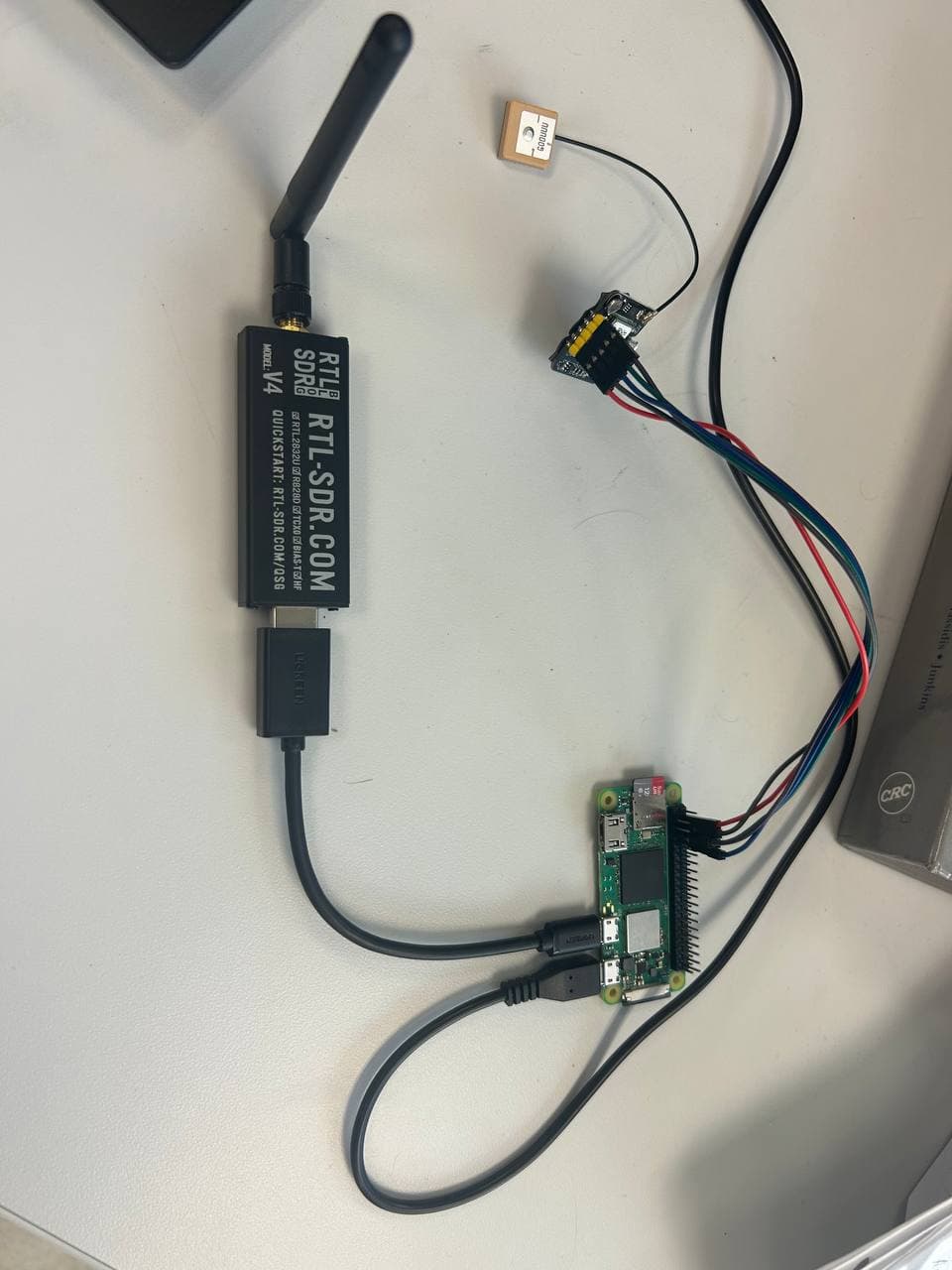
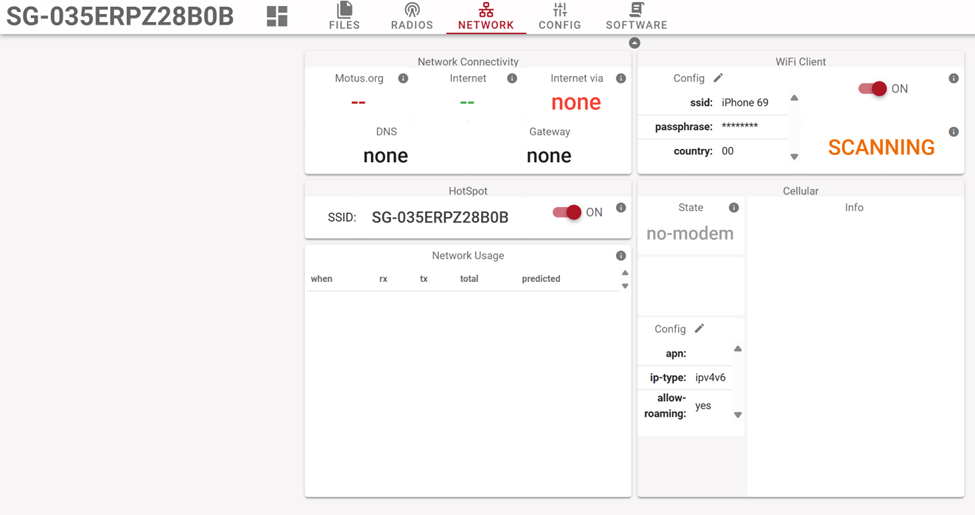
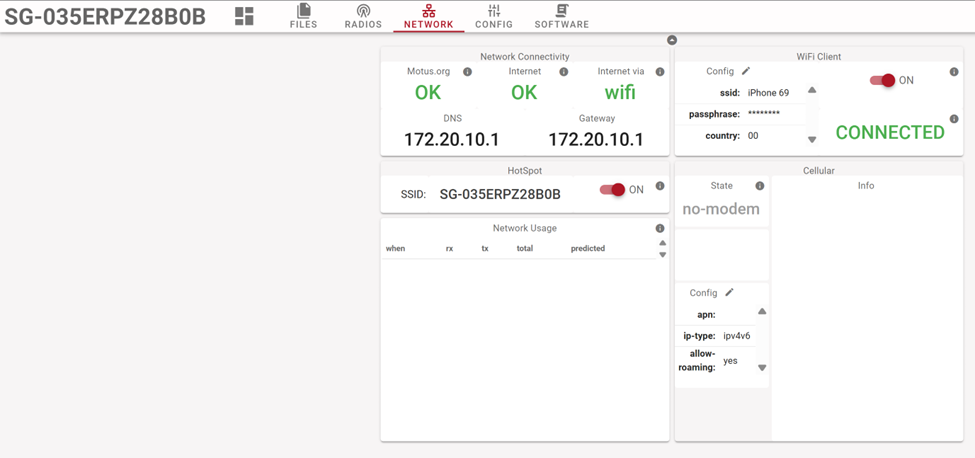
My gnome is using rpi zero 2w, rtl-sdr v4 dongle and an omnidirectional antenna. Sensorgnome is currently in the hotspot mode. I tried connecting it to the internet, but it would not work. Even after re-flashing the software. The sensorgnome also has a gps, but I have not been able to SSH into my rpi, so the GPS is not working at the moment. However, I have been told that neither internet connection issues, nor GPS issues should be detrimental to the working of my receiver when it comes to tag detections. Currently, the power is coming from usb port of my computer.
Hi Nikita, welcome here and thanks for posting all this info!
I’m not sure what is happening but the tags are definitely not detected. What would help the most is for you to connect your SG to the internet, then the log files get uploaded and I can take a look there. The files you downloaded are the (empty) data files. To download the logs you need to use the button on the software tab. Connecting to the internet will also give your SG the current time, which is essential (but shouldn’t prevent detection of pulses).
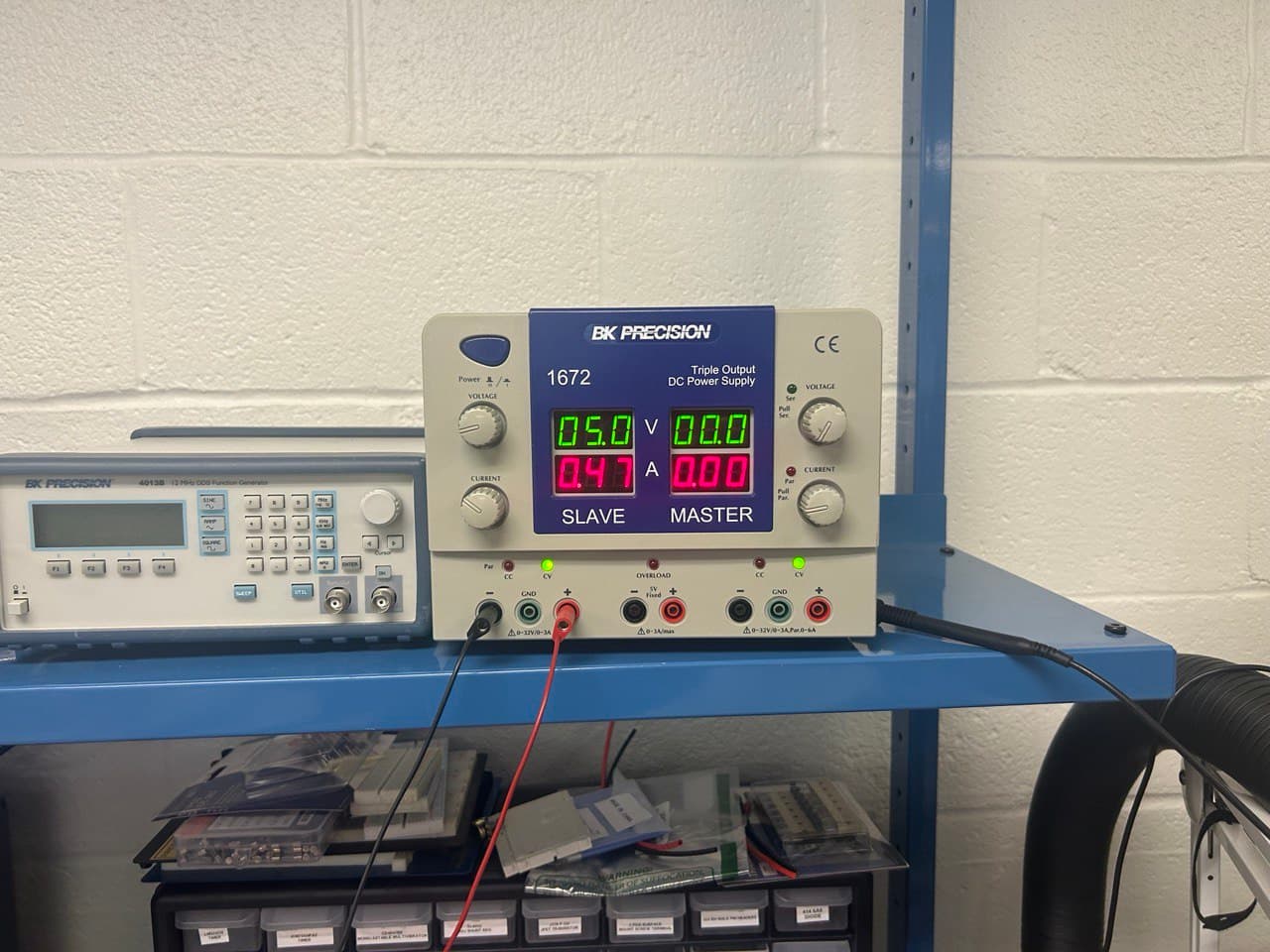
So, I’m sorry i can’t tell you what the problem is, although insufficient power may well be the cause. Using a decent power supply would be one way to find out.
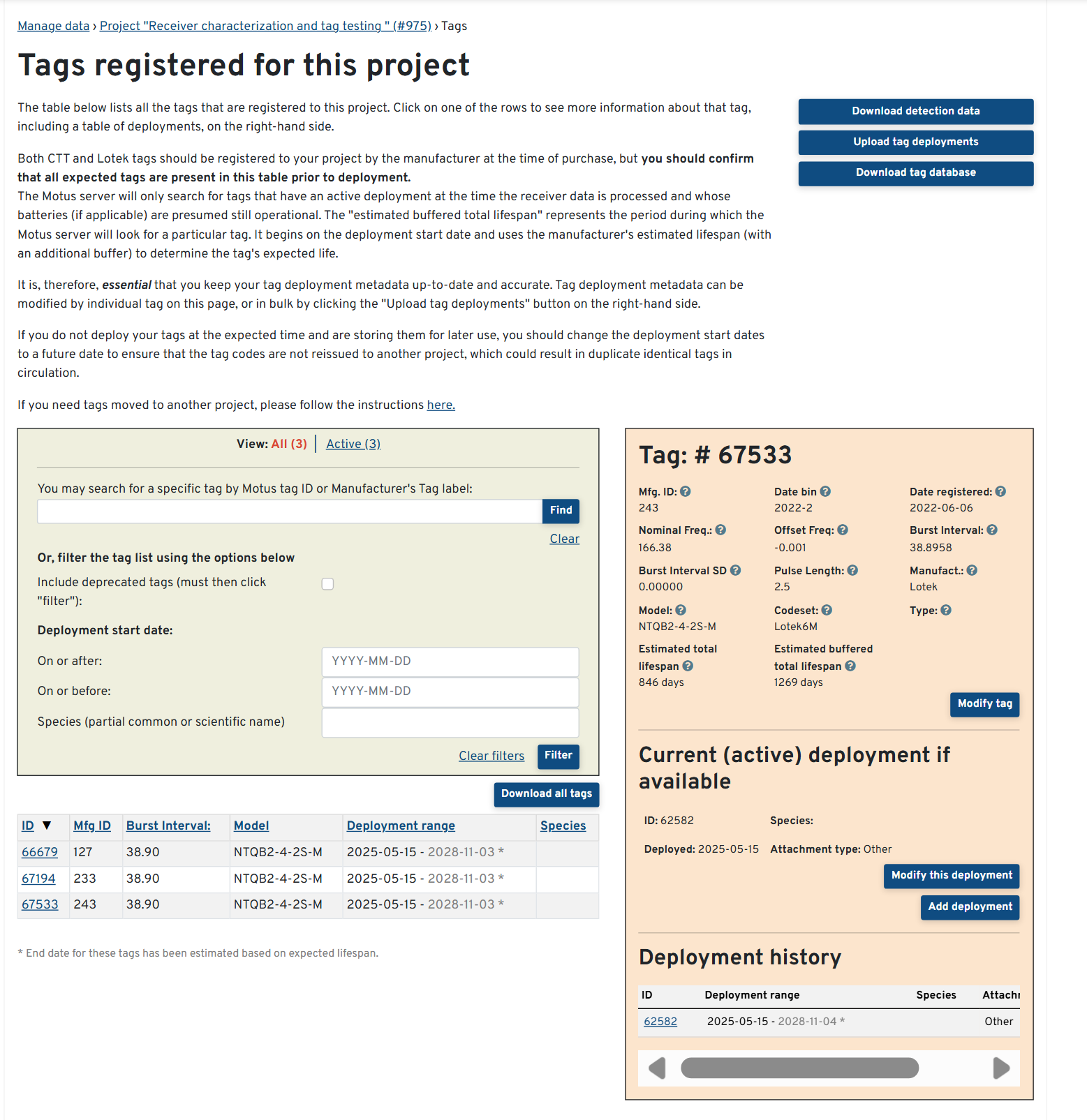
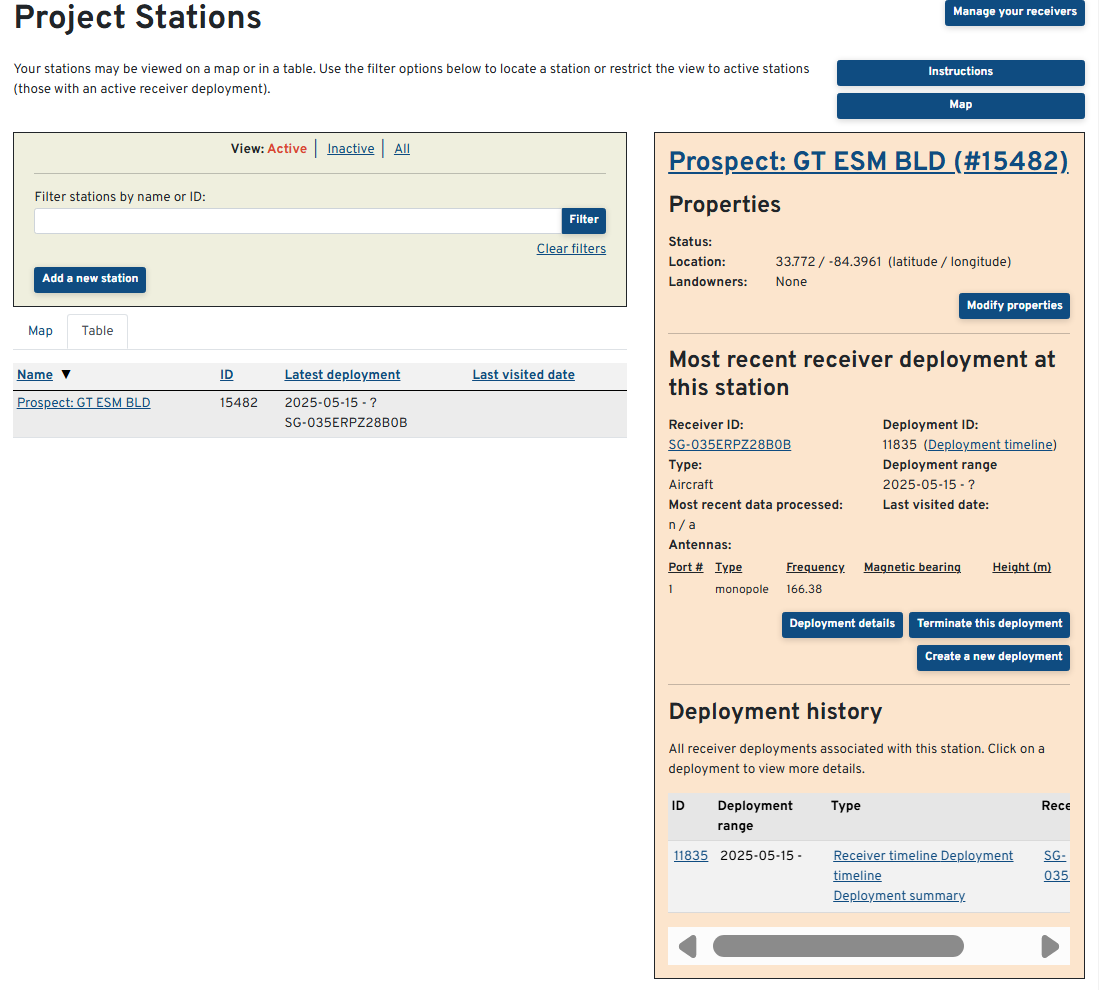
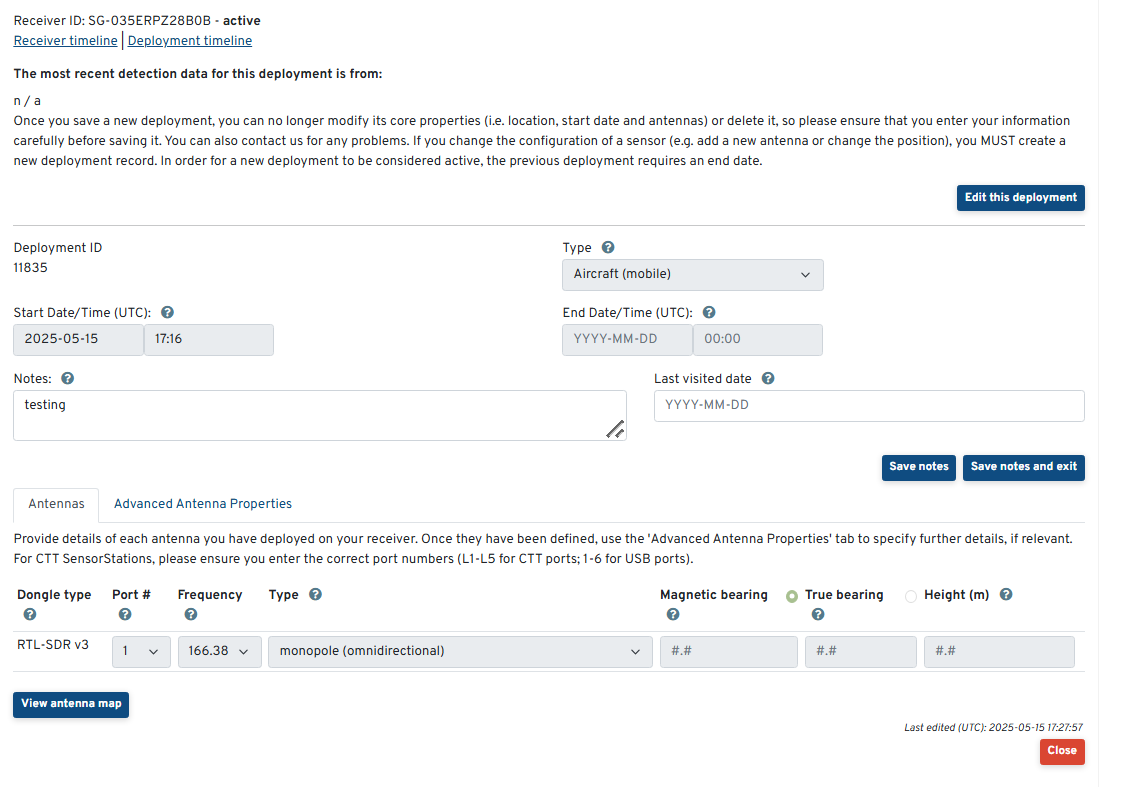
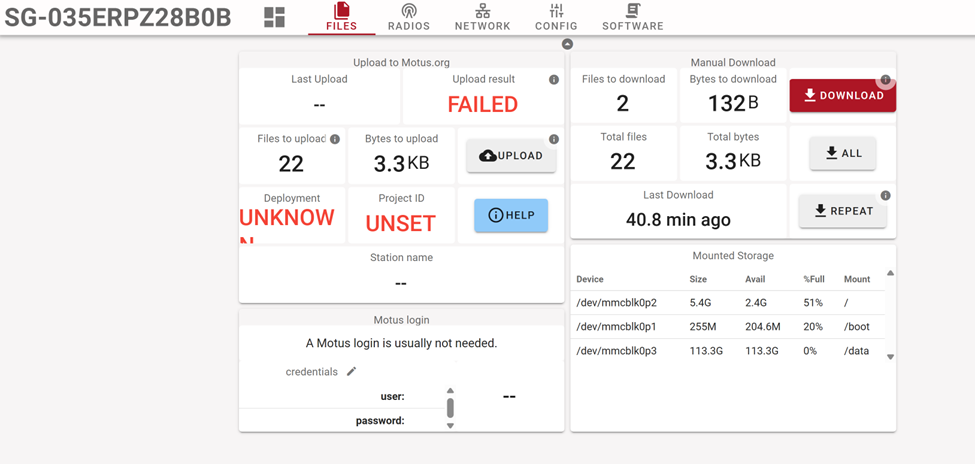
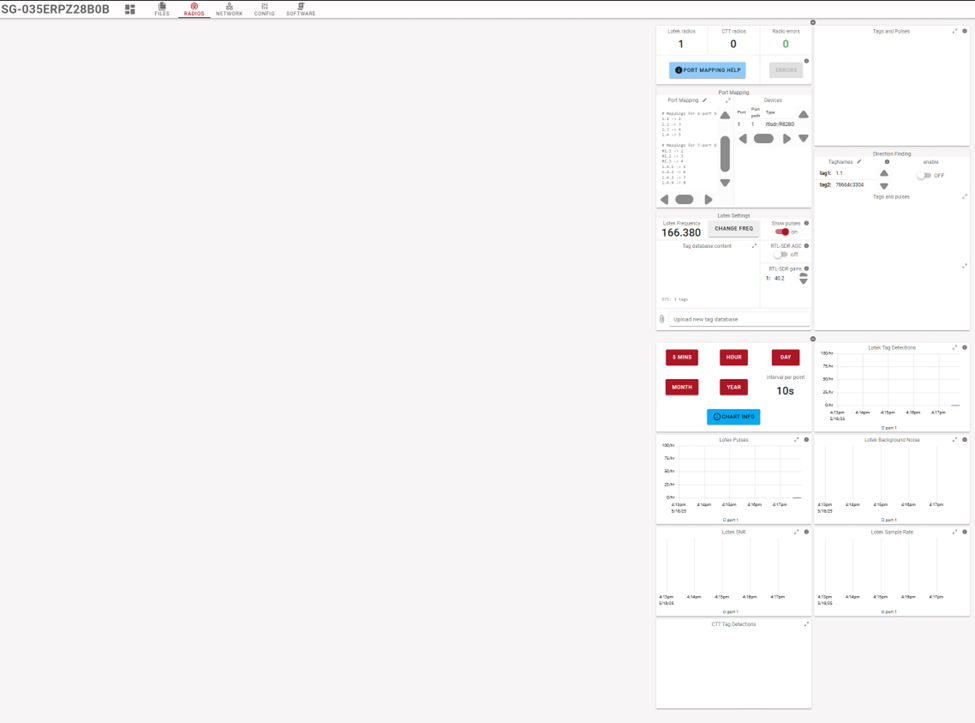
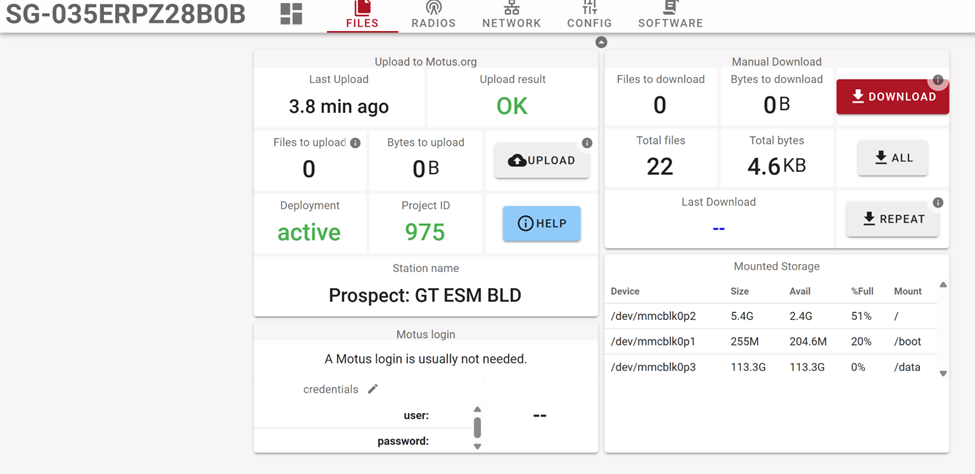
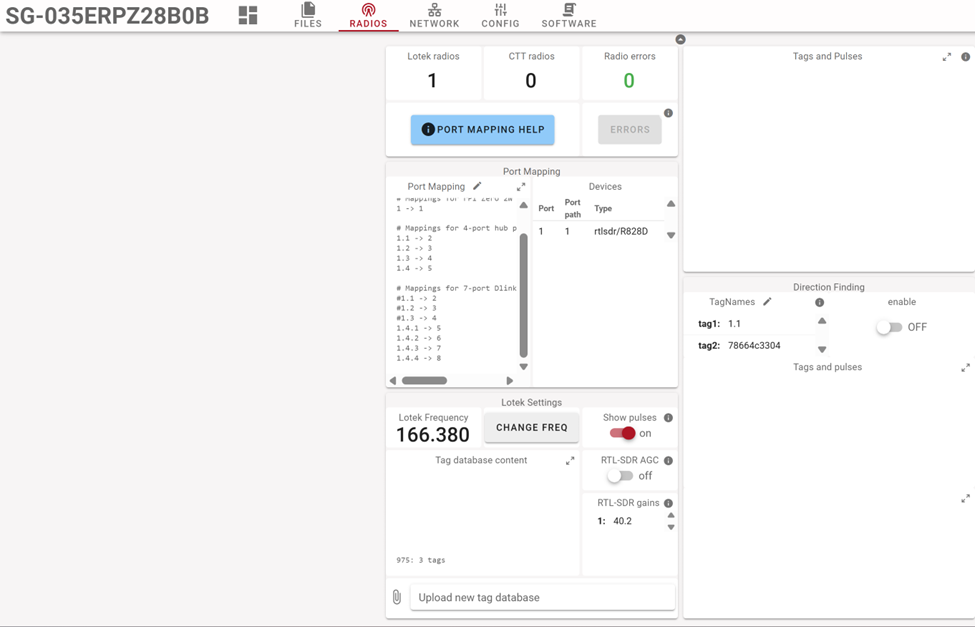
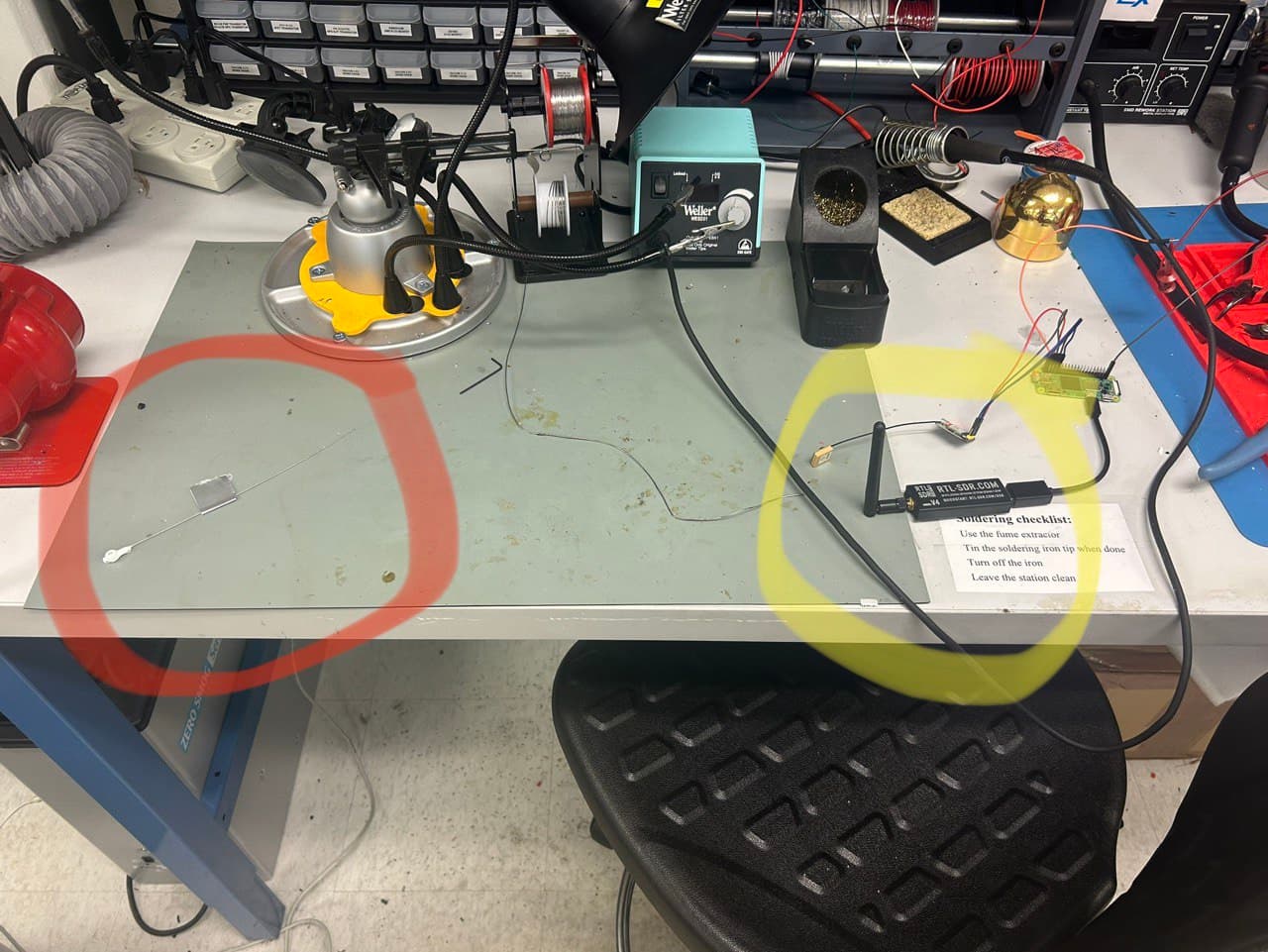
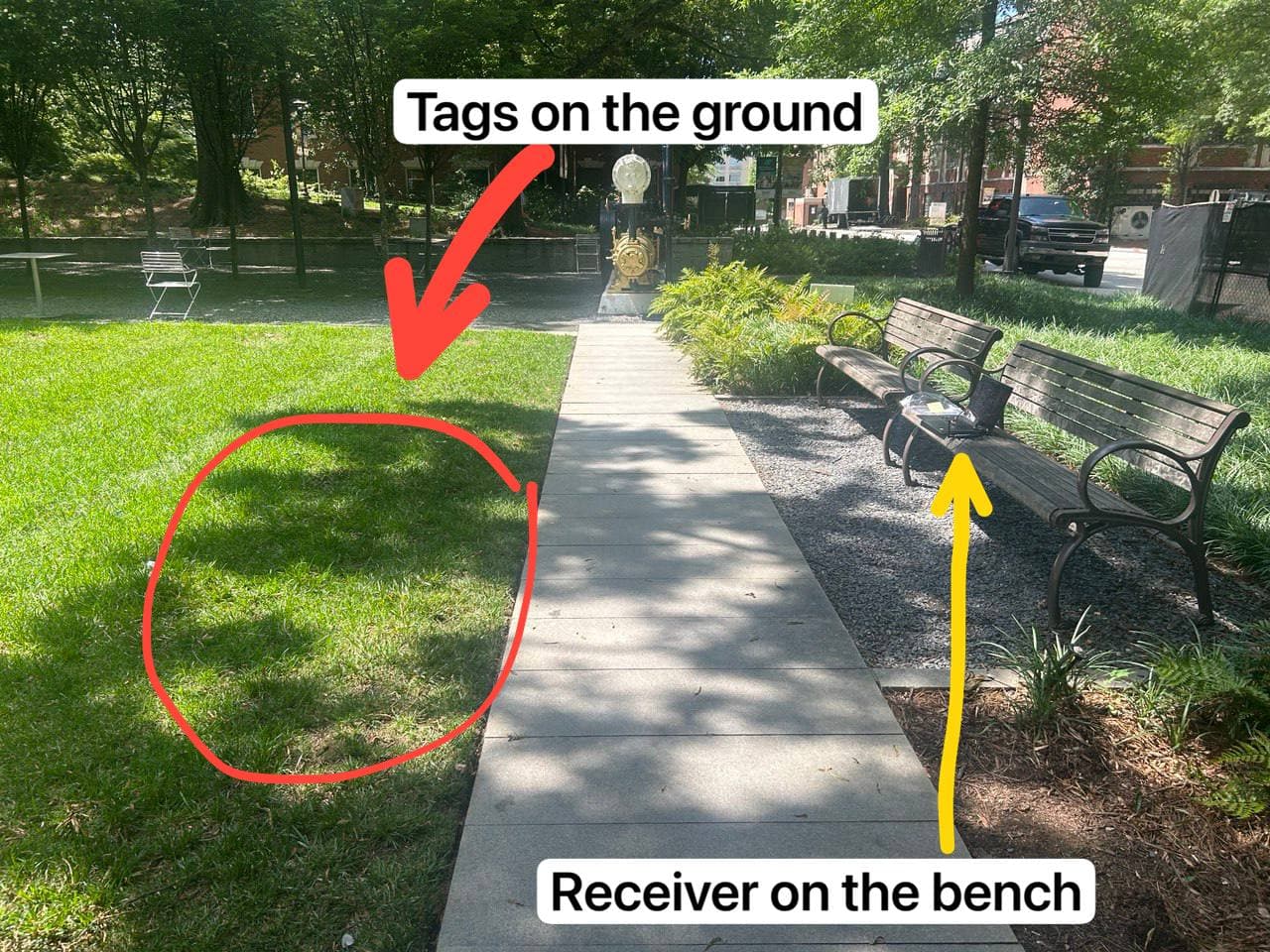
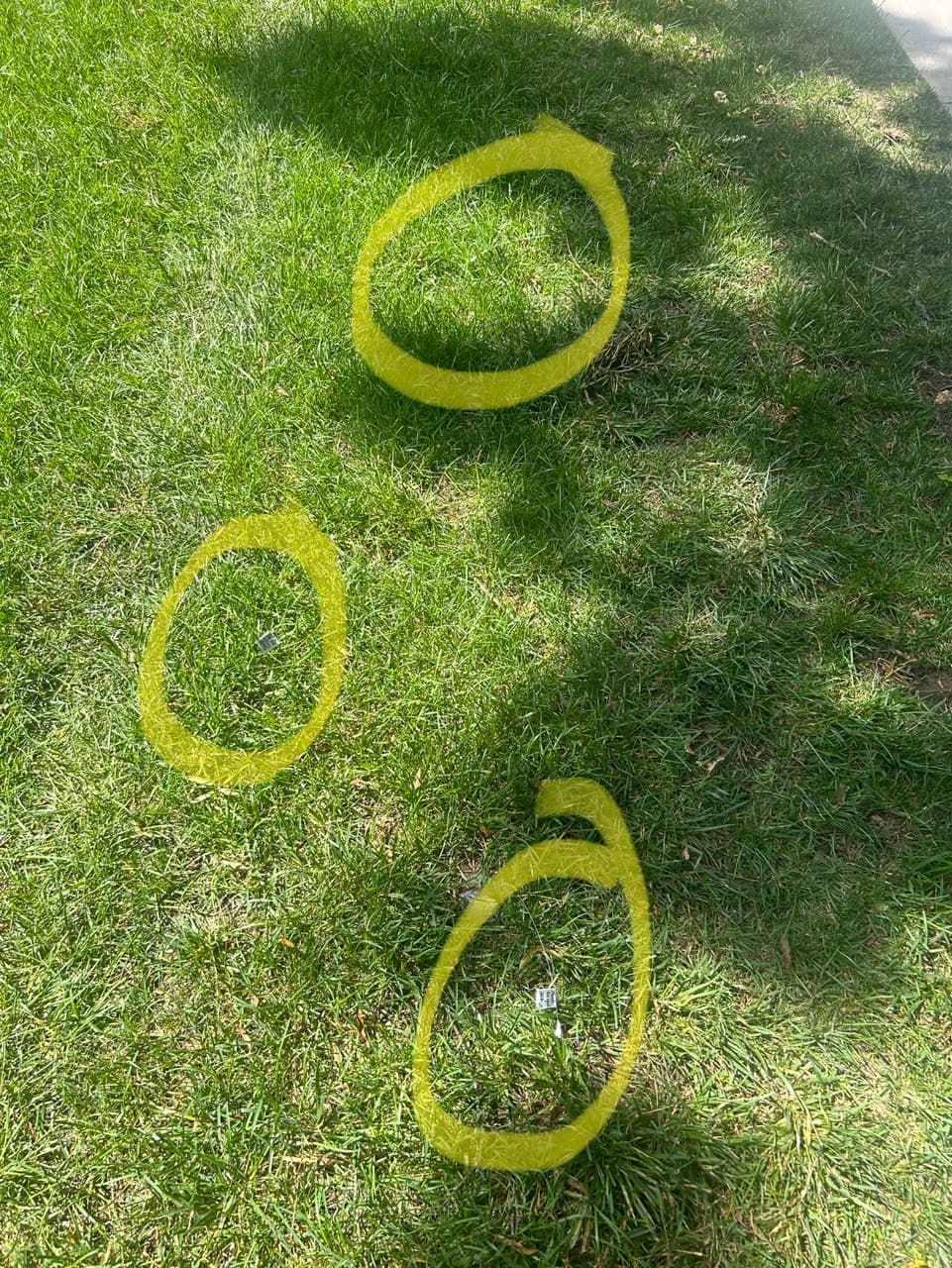
however, still no detections. I tried proper power supply and leaving tags next to the receiver for 5+ minutes. I tried testing both indoors and outdoors (although outdoors it was only powered by my computer’s usb port). Please see pictures for reference:
I can’t seem to find log files to upload. I read about them being automatically uploaded and considering i have 0 “Files to download” and 0 “Files to Upload” in my sensorgnome web ui, I assume the files did get uploaded somewhere else. Just in case, I hit download “all” and those files can be found here: motus logs - troubleshooting - Google Drive
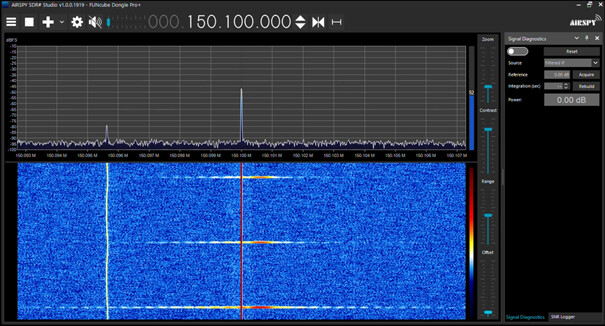
One thing you can do to make sure the that tag signal is being picked up by the antenna is to connect your RTL SDR directly to your laptop and analyse the signal with SDRsharp (a free computer program). The signal in SDRsharp should look something like this (likely a lot weaker, but the shape will be the same).
If you’re getting the signal with SDRsharp, then you can be sure that the tags, antenna, and SDR are not the problem, and that the problem is with the SensorGnome instead.
I’m not sure what is going on… You are in the US, correct? And your tags are for the US (166.38Mhz)?
It would really be helpful if you could set-up the SG in your lab with internet connection and let it run for 24 hours with the tags at the other end of the lab (not right next to the receiver). The log file upload doesn’t happen immediately so I’ve only gotten fragments. But I’m not seeing anything suspicious so far.
After 24 hours it would be helpful if you could screen shot the radio tab in its entirety (including the graphs).
I’m heading out on vacation on monday, so may not be able to respond quickly.
BTW, what is the antenna you connected to the RTL-SDR? That doesn’t look like something made for 168Mhz… Also, ensure it’s SMA and not RP-SMA (if you look into the antenna’s connector you should see a pin in the middle, not a hole). You don’t need a super antenna, for your local experiments you can take an SMA connector and solder a 1/4 wavelength wire to the center pin. Even nothing is better than a completely mismatched antenna.