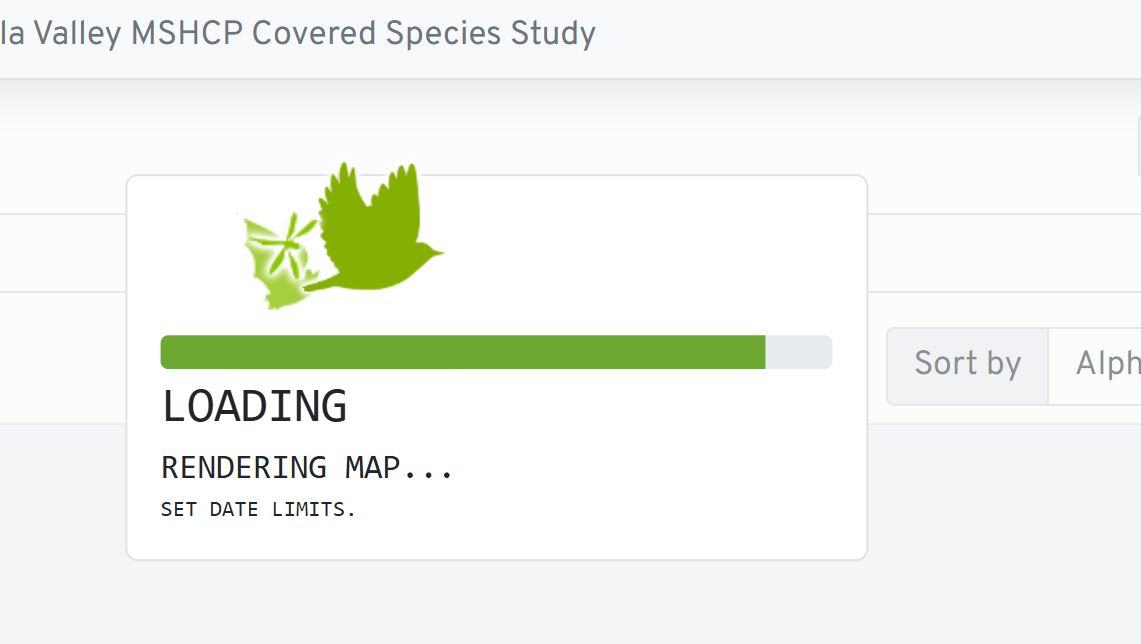
Could just have been a loading issue with the site, unless you were able to view other projects successfully at the same time. Sometimes it can be helpful to visit the old site for comparison.
It’s also possible that it wasn’t showing up because it was a newly created project and these now don’t show up on the public pages until they are “approved” (they still show up on on your manage project page). But this wasn’t that new and it appears to have been already approved.
I did check just now and everything shows up fine. Does it look that way on your end too?
I think you may have been right Josh. It is working now. I was able to see it immediately on the old map interface, so it seemed like it should be able to load it.