I’ve been having issues trying to create and flash new microSD cards for use in SensorGnomes.
My first issue I thought was using cheap Walmart microSD cards, so I switched to Samsung Pro Endurance 32GB.
I am using Raspberry Pi Imager v1.8.5. I am selecting OS version sg-armv7-rpi.2.0.1.zip as is recommended under SensorGnome V2 downloads.
The error message I’m receiving is “Zip decompression failed (-3).”
So next thing I tried was different ways of having the microSD card read: SD Adaptor connected directly into laptop, microSD card read directly by a Suntrsi card reader that we have used under V1 for manual data downloads, and even through the SensorGnome Raspberry Pi itself (although I don’t see documentation for this so likely not how we should). Is there a correct or “best” way to have the microSD card read?
Raspberry Pi Imager should be able to handle the file directly from the .zip archive, but it sounds like that part is failing. Maybe you’ll have better luck if you extract the file within and make sure it’s saved to a local folder on your computer. If it’s saved in GoogleDrive or OneDrive, make sure that it’s been downloaded to your computer since trying to access an online-first file can create issues.
You could also try reinstalling Raspberry Pi Imager, or another method, like Balena Etcher.
I was able to get it to work using an updated Raspberry Pi Imager software and writing from a local Temp folder, but ran into a new issue during initial setup:
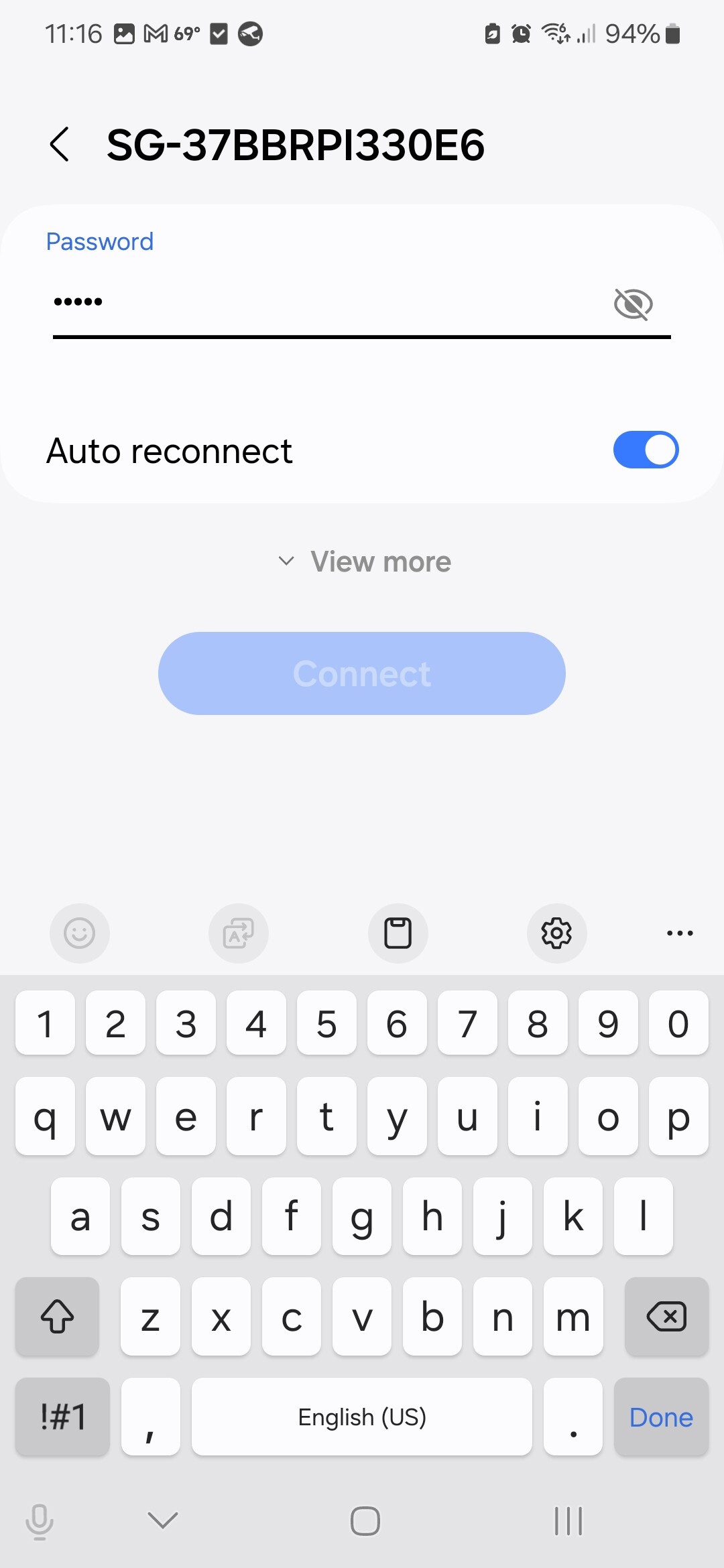
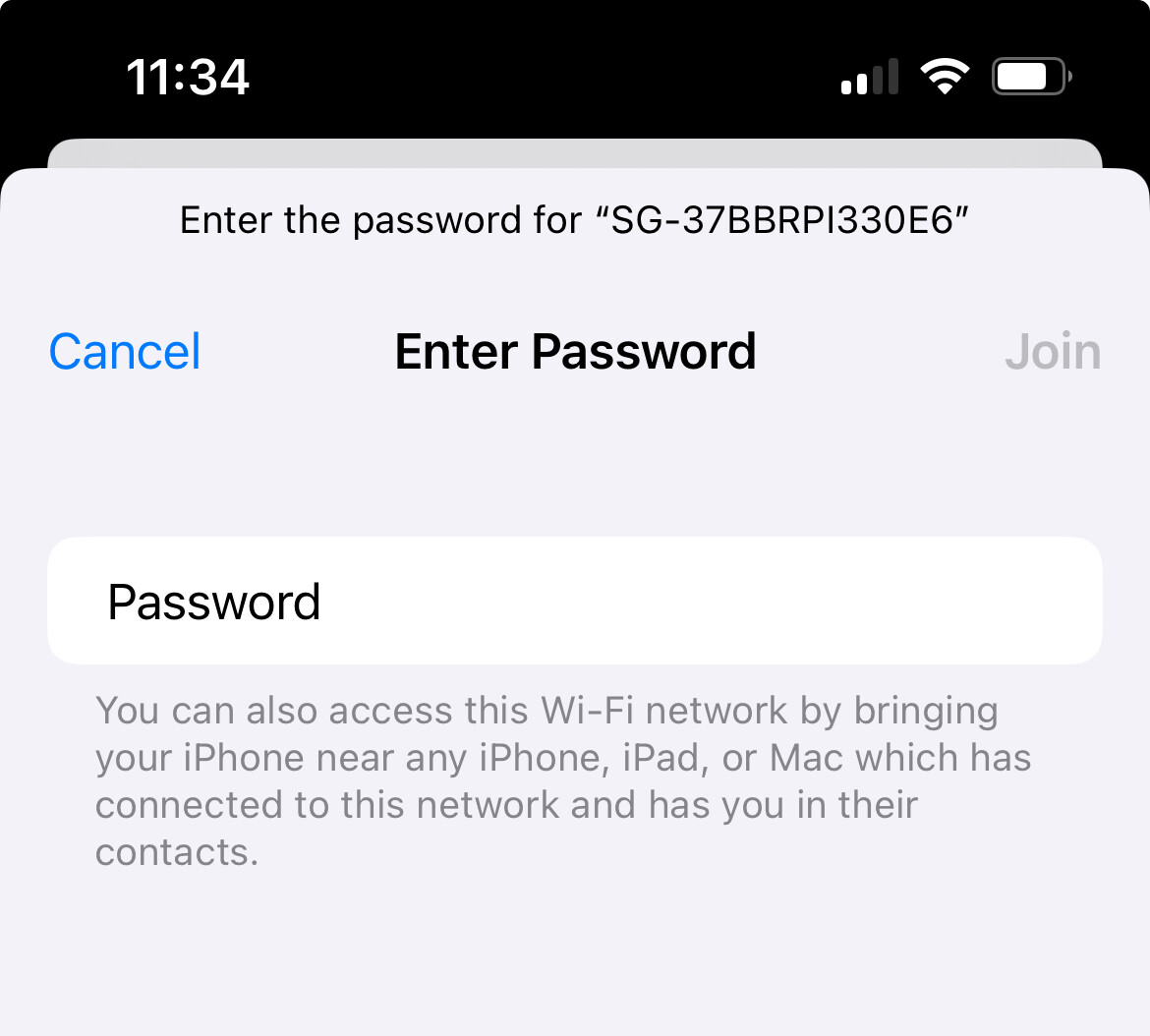
The SensorGnome I logged into like the online instructions say to where it is displayed as SG-IDnamehere-Init. I kept the password as gnome like the username just to keep simple for now and can update later. Hotspot disconnected as the instructions indicated and tried to reconnect when it is the same name minus the “Init,” but when enter the password, the option to connect is faded out on both an Android device and Apple device even though I see the SG name displayed under Wi-Fi networks. So I tried to see if it would connect through an ethernet cord and check through Sensorgnome.net and it is off and not recognized there either. Any reason why I can’t connect make the connection again?
As a follow up, I learned that it was a password length issue. After going to another reflash but using a password that was 8 characters or more it seemed to work.