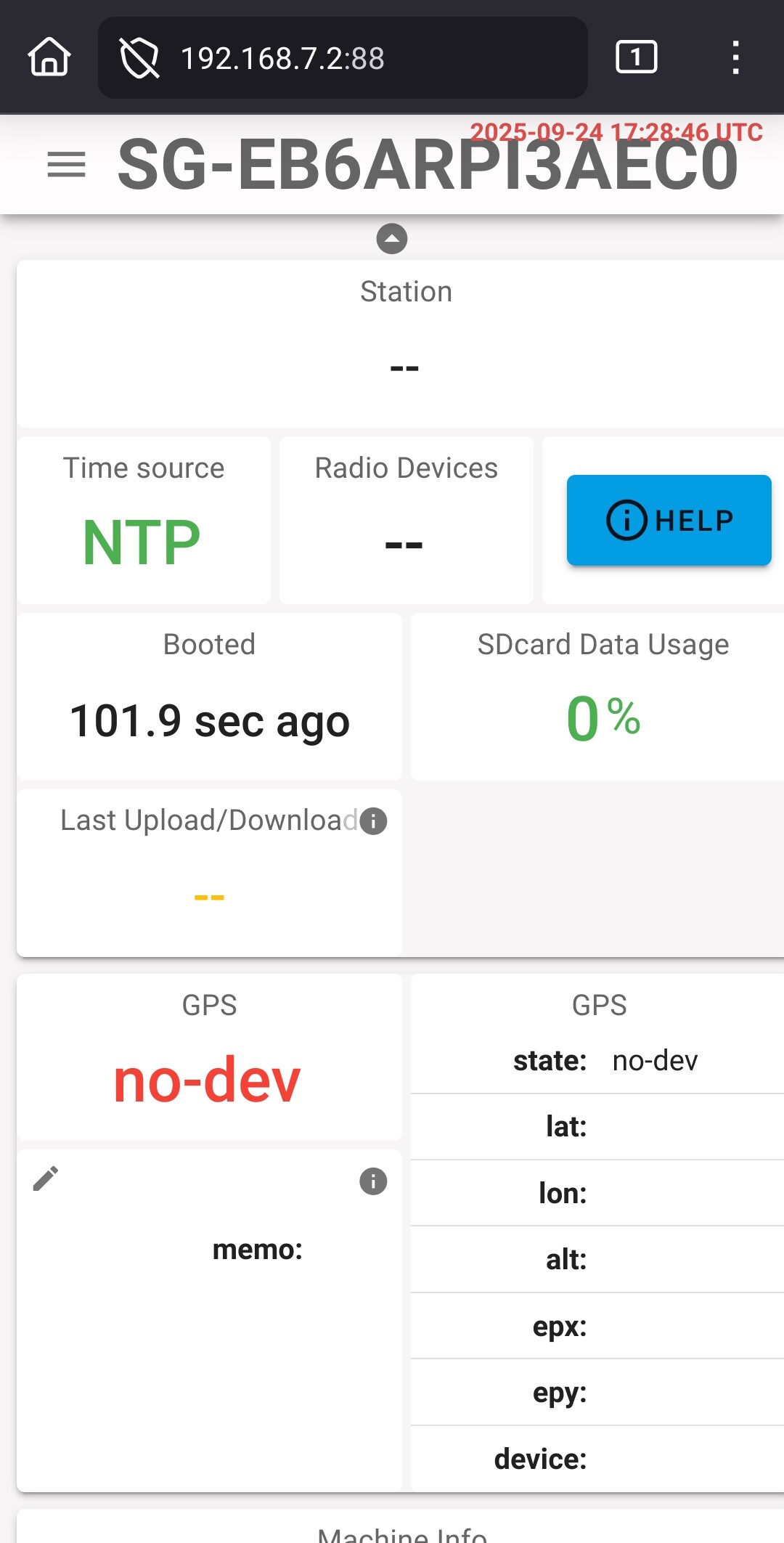
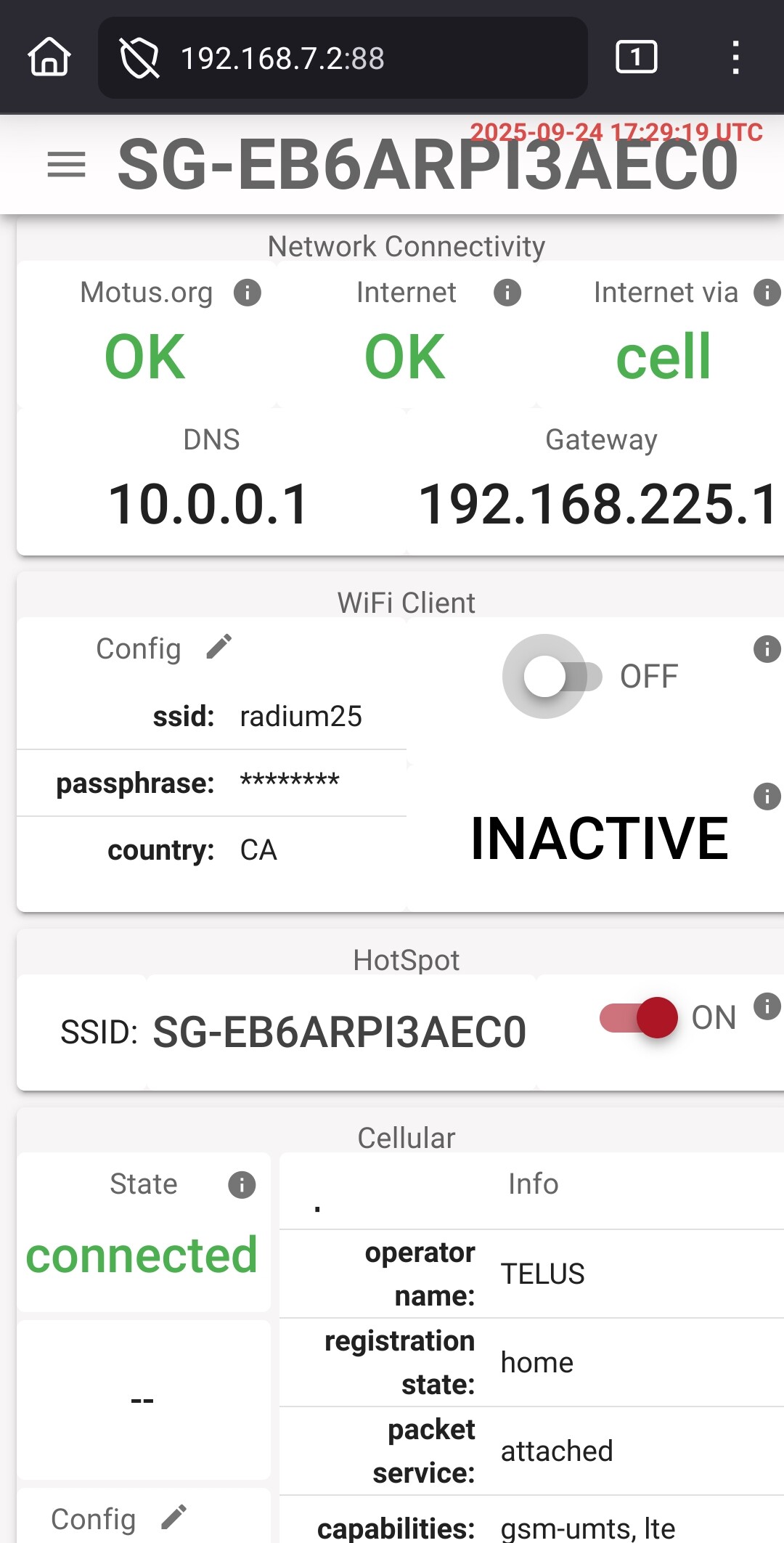
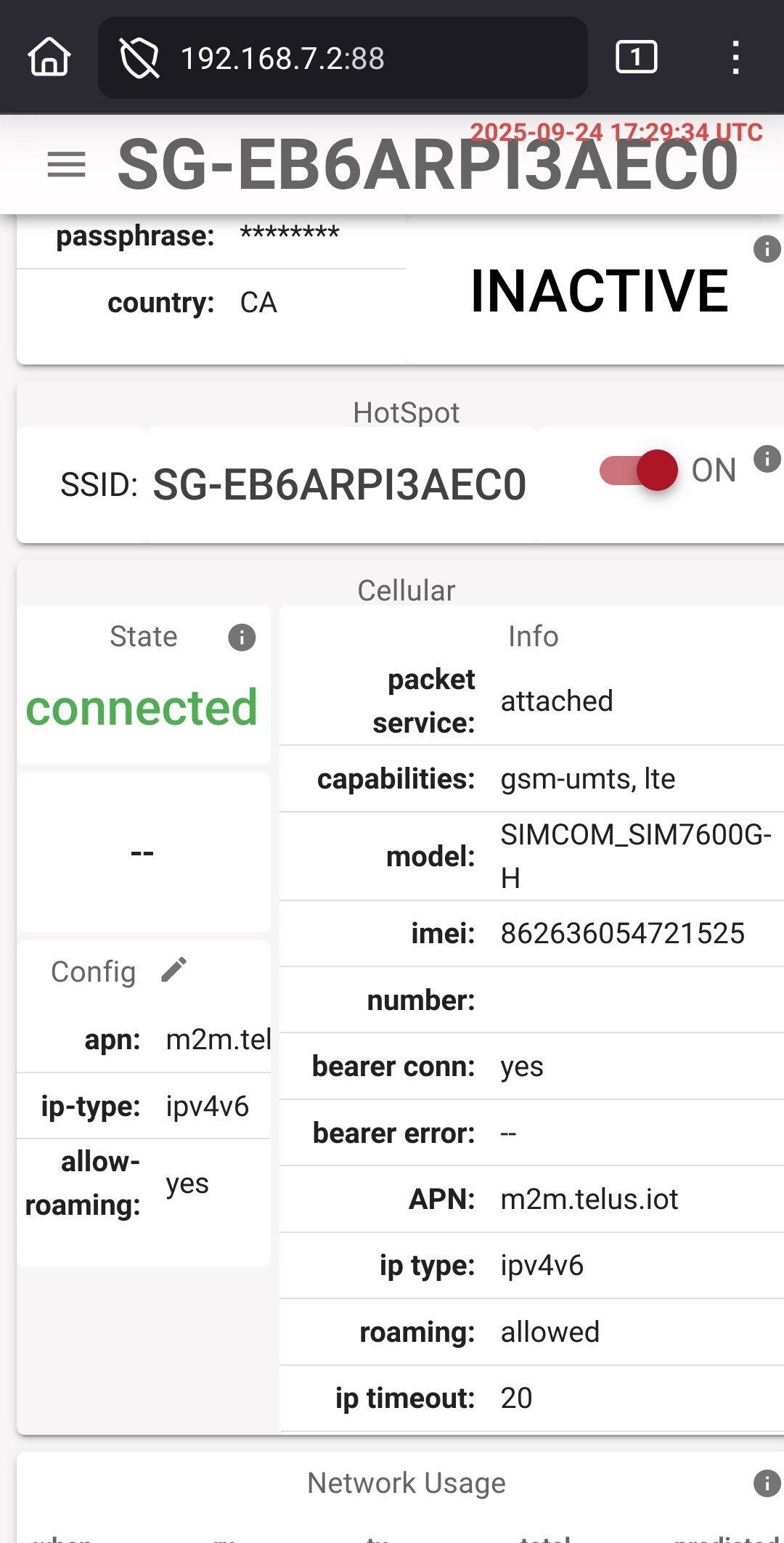
I am in the process of building a backup SensorGnome. The last one had a SixFab hat and the GPS worked right away, but I gave up on getting its’ cellular connection to work. This time with the Waveshare hat the cellular worked on boot-up but but I’m having no luck connecting to the GPS.
I suppose another option would be to change the time synchronization to point to a server instead of the GPS.
The SIM card is in place and cellular network connectivity seems to be quite good. However the GPS is still showing as No-Dev.
I haven’t set up this SG-EB6ARPI3AEC0 as a receiver yet since I’m not sure how to configure it as being just a unit under test. Create a station called “test-bench” in our project maybe?
Thanks for the logs! Unfortunately the Linux ModemManager doesn’t recognize that the SIM7600 has a GPS. I seem to remember that this was a problem in that version of MM. OIf you have the patience to install the latest SG dev build that would answer the question whether it’s fixed in a more recent version. You need to reflash an SD-card for that.
If you simply go ahead using NTP keep an eye on the data transfer charges.