Welcome to the Motus Community forum!
This is a place to discuss all things Motus – from study design and research questions, to station installation and tagging, to analysis and the R package, to conservation applications.
If you are new to Motus and plan to install a station or deploy tags, please take a moment to introduce yourself and your plans so that others are aware.
How to use the discussion forum
In general, use of the forum should be fairly self-explanatory, and should be familiar to most people who have used an online discussion group or forum.
Typically you should first search before posting, to see if the topic has already been discussed. The forum has a powerful search function, which is available on the left hand sidebar and as an icon on the right hand side.

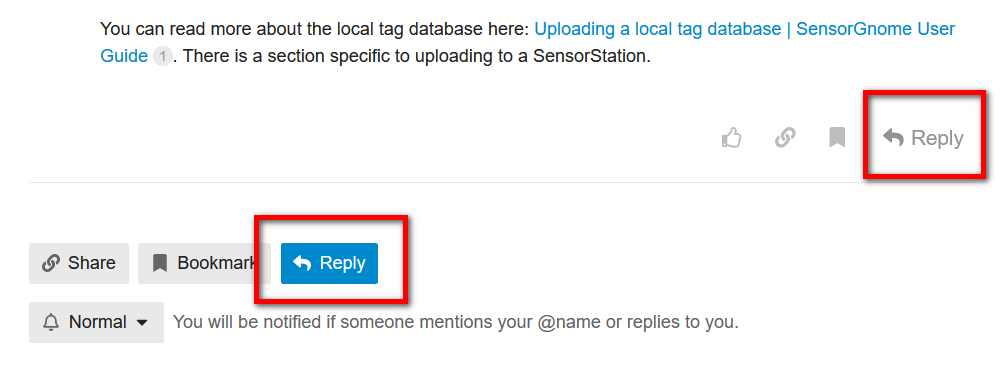
Once viewing a topic, you can reply either to one of the messages in the topic thread, or to the entire topic.
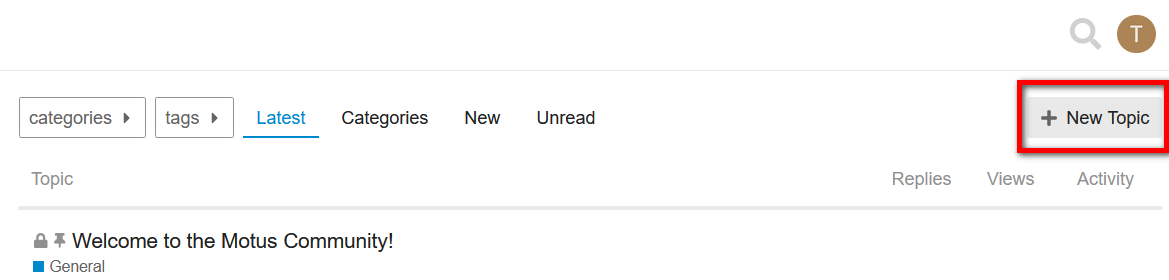
If you don’t find what you’re looking for, you can create a New Topic.
Categories and Tags
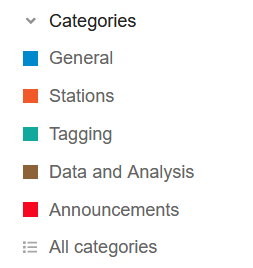
The forum is organized using Categories to help keep topics of a particular discreet theme grouped together, and Tags to group similar topics across categories.
Currently there are five Categories, along with some sub-categories. The first topic in each category contains a description of how to use that category. Motus collaborators can post in any of the categories except Announcements, which is reserved for official announcements and updates from Motus Central.
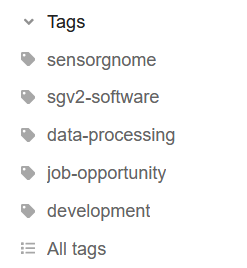
Tags are more flexible than categories, and multiple tags can be assigned to a topic. They are particularly useful for grouping and searching across categories where a common theme may apply. An example is the tag false-positives, which could be relevant to multiple categories.
Another example are region-specific tags, which can serve to indicate which general region you are working in and facilitate potential collaborations or partnerships in that area.
As with categories generally, there will be occasions when a particular topic does not fit neatly into one of the existing categories, or seems to fit equally well in more than one.
If the tag you are looking for does not exist, feel free to create it. If needed, we may change or update it later if there’s a better alternative available.
Make your post in the category and using the tag(s) that seem most appropriate, but don’t be surprised if it’s moved or changed after the fact. We may also be modifying the category and tag structure from time to time.
Using the forum via email
By default, you will receive emails for replies to topics you have created or responded to, as well as for the first post in new topics.
You can respond to any message simply by replying to the email, and the system will create a corresponding forum post.
You can turn email notifications on for any topic you are interesting in following by selecting “Watching" at the bottom of the topic. Similarly, you can also turn email notifications off for a topic in this way.
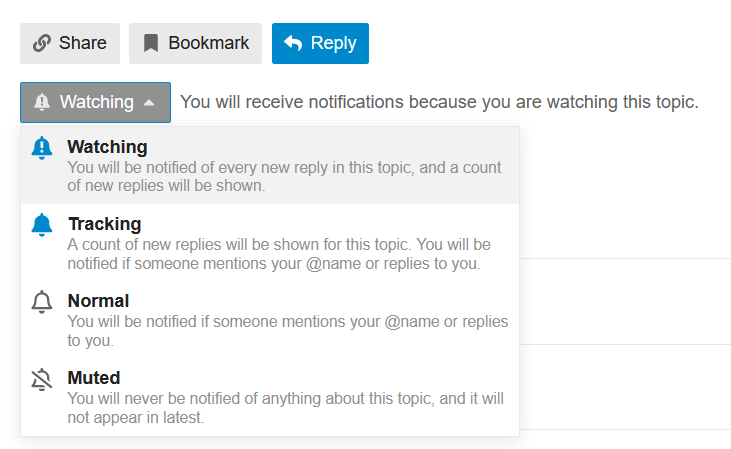
You can change modify settings related to email frequency in Profile > Preferences > Emails.
Public visibility and privacy
Topics and conversations in this forum may be viewed and searched by anyone on the internet without being logged in. This helps people easily find answers to commonly asked questions and to tap into the collective expertise of the Motus community. However, it also means that any messages can be viewed by anyone. Keep this in mind when discussing information that may be considered sensitive to yourself or others, such as private contact information, addresses, and other details that are best not shared with the entire internet. If you spot something that shouldn’t have been posted, please let us know so we can review.
Username
The username in the forum is the primary way of identifying you within the forum. It appears on any post you have written or responded to, and as such, is always visible when anyone browses the forum – whether or not they are logged in. For this reason, we assign an anonymized username when you first visit the forum (e.g. user123), which you can later change to something more to your liking.
Your username in this forum is unrelated to the Birds Canada login name or email address used to sign in here and to Motus.
How to change your username
You can change your username at any time by visiting your forum Preferences page Profile > Preferences > Account.
Name and email address
The full name in your forum profile is the one you provided in your Birds Canada account. This is only visible to members who are logged in and not to the internet
Likewise, the email address in your profile is the one from your Birds Canada account. This is only visible to you, and is never displayed to anyone else in the forum or online,
How to update your email address and name
Both your email address and name can be updated at your Birds Canada account. Any changes made there will be reflected back on the forum shortly.
Events
Calendar Events can be added to particular topics, which are all then automatically collected and displayed on a site-wide calendar. This is a great feature for making Motus-related conferences, meetings, and workshops more widely known among the Motus community.
To create an event
From the Compose window when creating a New Topic ,click the gear icon in the toolbar, then click on Create event.
Note: A calendar event can only be added to the first post in a Topic. If you forgot to add it an event when initially writing your post, you can always edit the post later to add it.
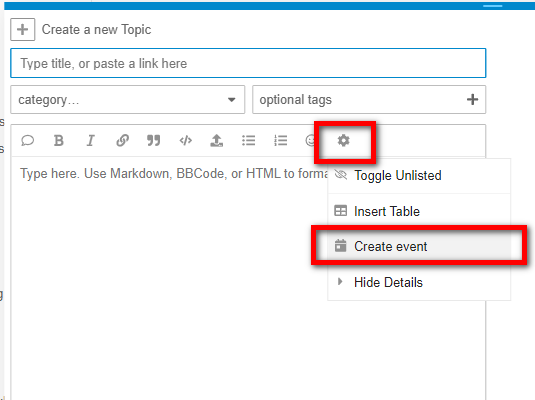
That will bring up a dialog box where you can enter the details.
To view all events
On the left-hand sidebar is a calendar which will collect all Events across the entire forum. Each item in the calendar will link back to the original topic.
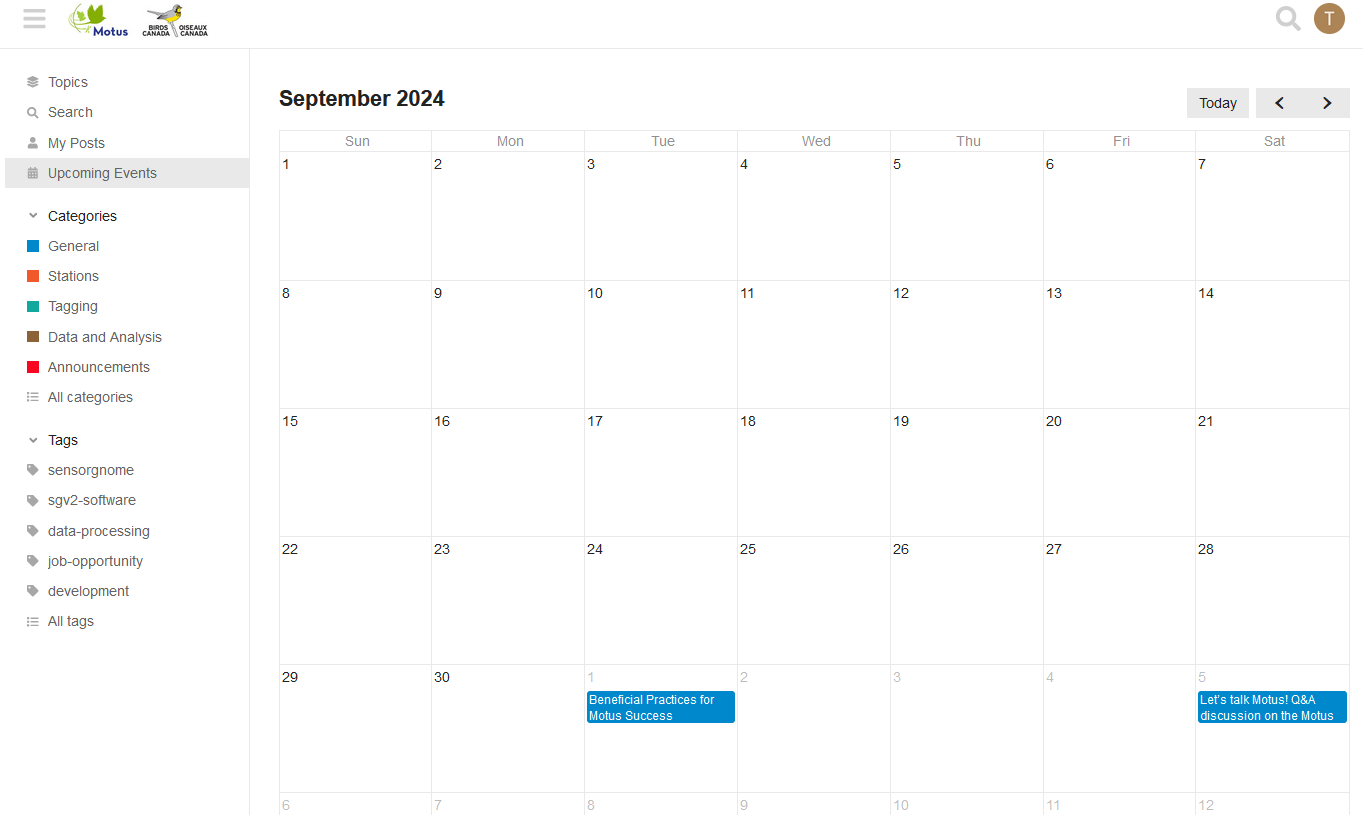
We look forwarding to discussing all things Motus with you!
Please keep the conversation centered on Motus-related topics and keep the discussion civil and respectful.
Happy Motusing!